






Online
 To listen online, press the Listen Live button at the top of the page to open the web-player.
The player opens in a new window, some web browsers require you to press the Play ( ) icon to start listening.
The web-player also allows you to switch between Bedrock RADIO & Bedrock GOLD
Get The Bedrock Radio App
We recommend downloading the Bedrock Radio App for Apple & Android devices.
Use our app to listen to Bedrock Radio or Bedrock Gold on mobile data on Wi-Fi


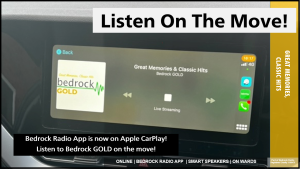 Bedrock App In Your Car
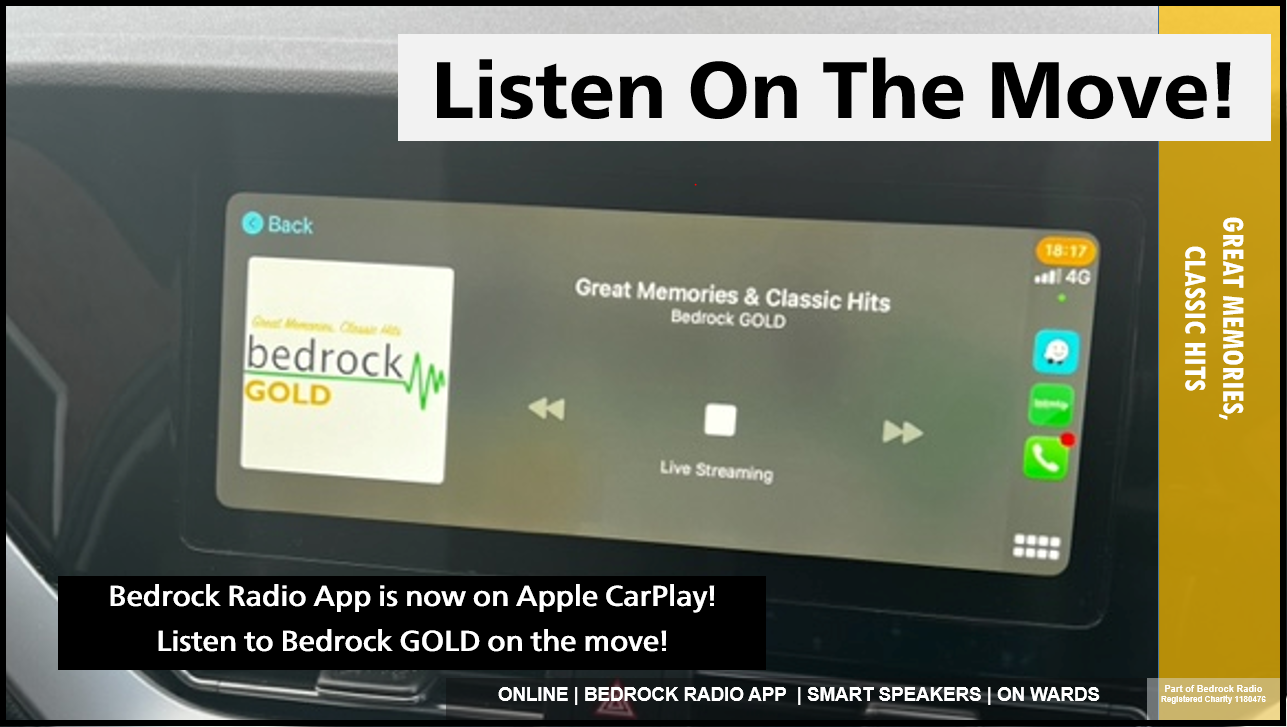
If your car is fitted with Android Auto or Apple CarPlay, then you can enjoy the Bedrock Radio App while on the road.
NHS WiFi

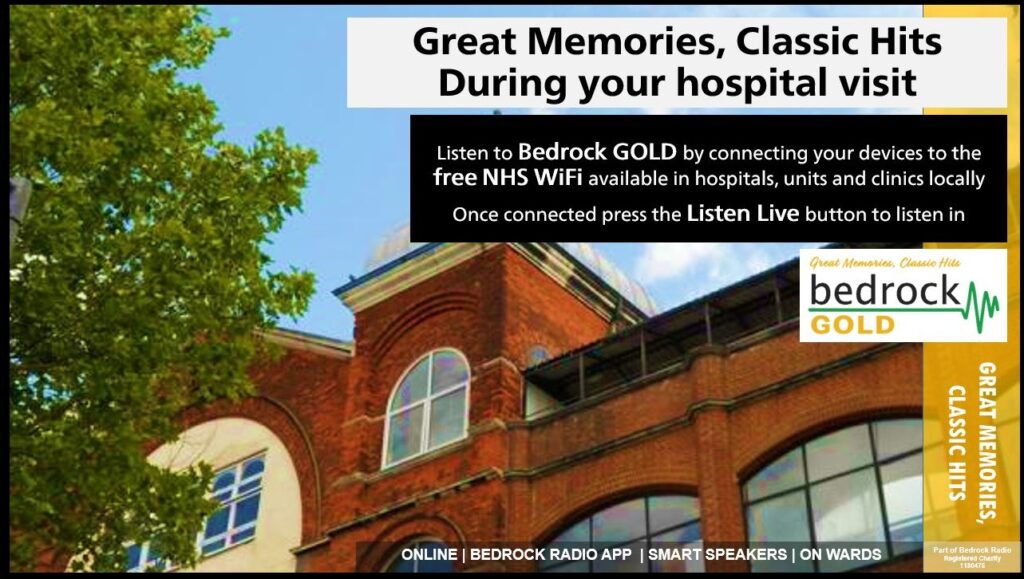
Connect devices to the free NHS Wi-Fi
(Settings > WiFi > Connect to NHS Wi-Fi > Accept T&Cs)
Once connected to the NHS Wi-Fi,
Use the Bedrock Radio App to listen in for free, or press the play icon above.
 Queen’s Hospital: Ward Radios
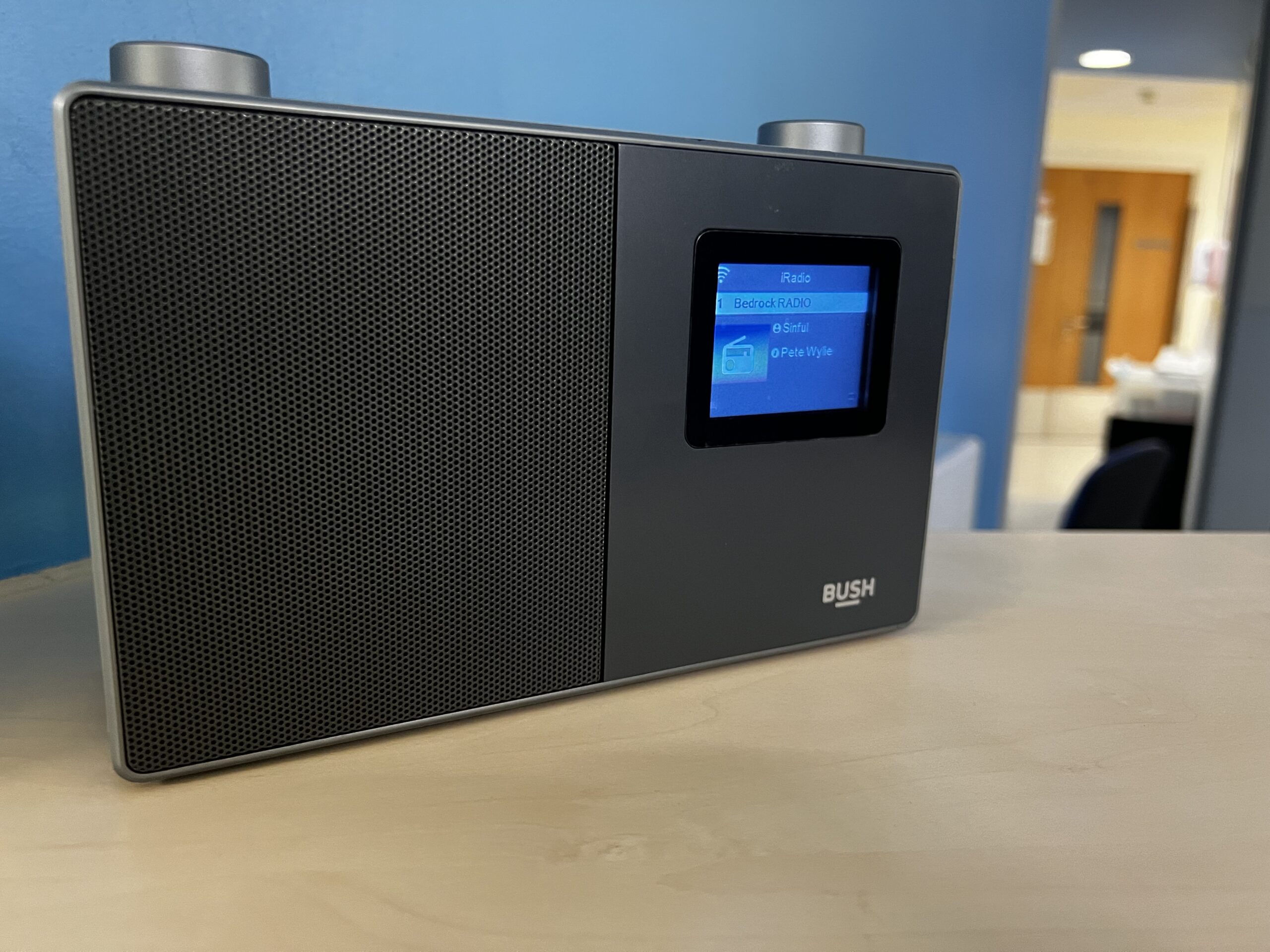
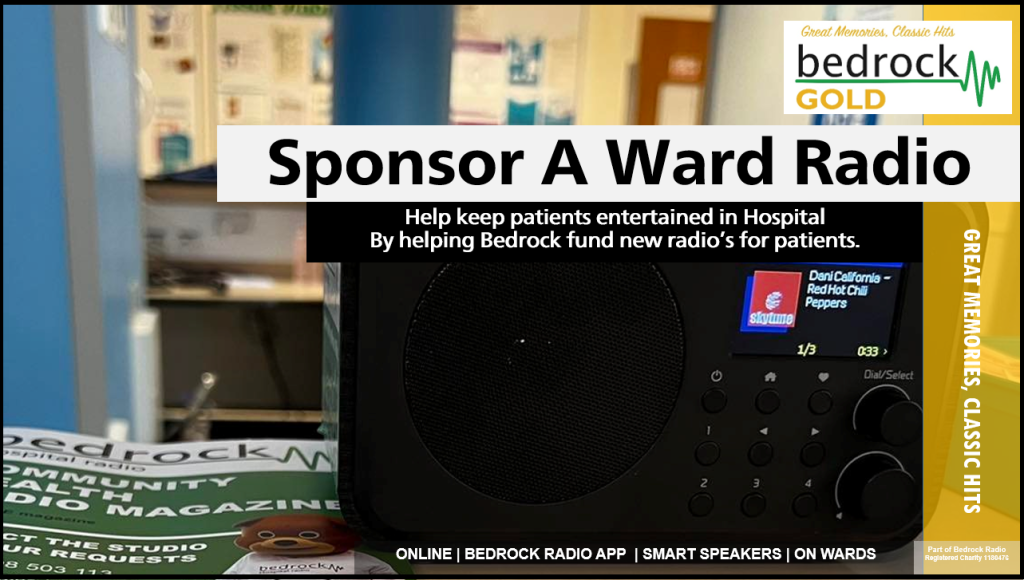
Listen on dedicated radios that connect exclusively to Bedrock throughout Queen’s Hospital, Romford.
Help us fund more radios: Make A Donation
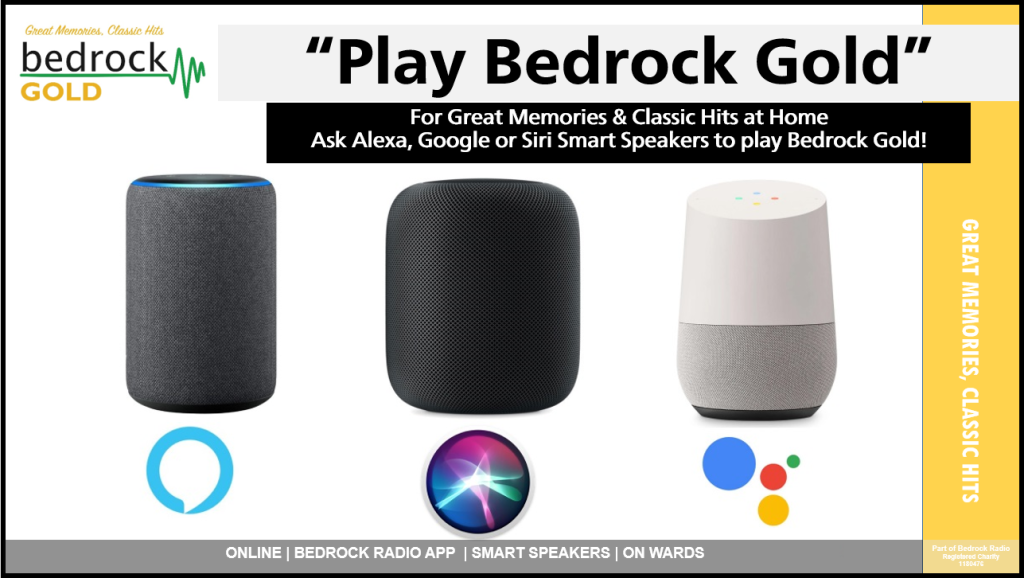
Smart Speakers & Internet Radios.
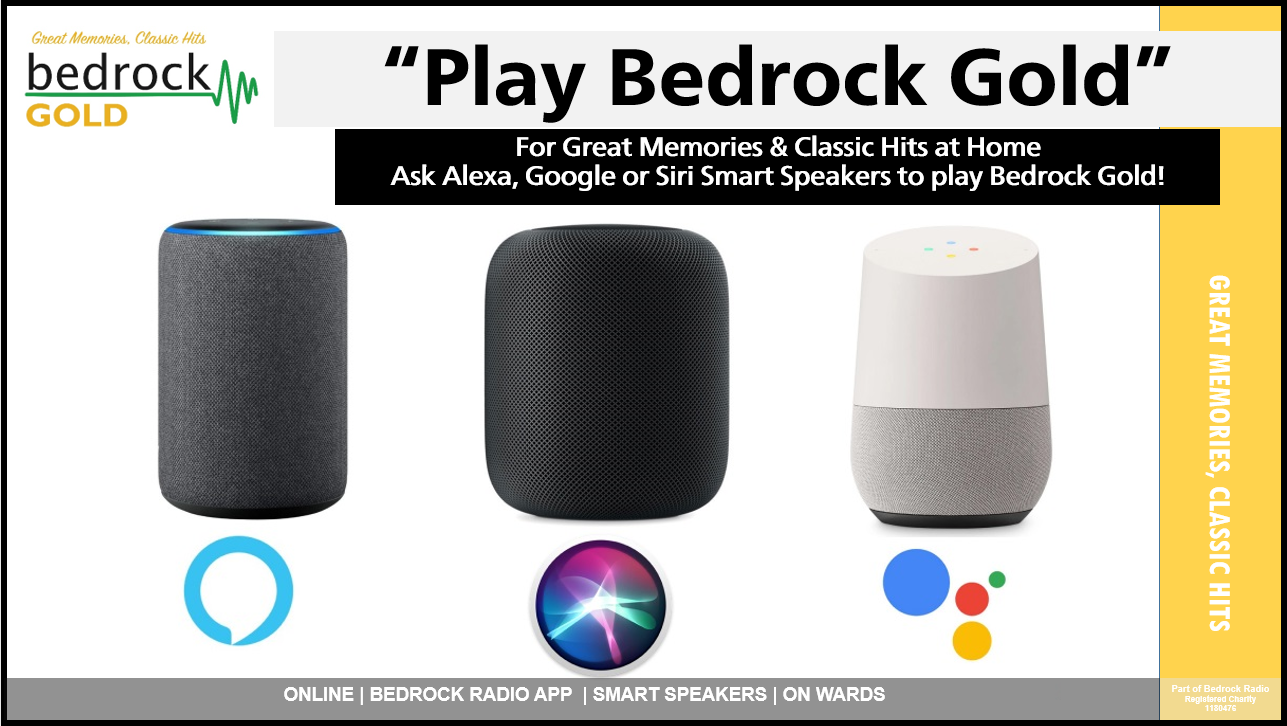
You may need to enable the skills / services MyTuner Radio or TuneIn to begin listening.
Once enabled, say one of the following commands:
“Alexa, Play Bedrock Gold”
“OK Google, Play Bedrock Gold”
“Siri, Play Bedrock Gold”
You can also find us on the Sonos speaker system.







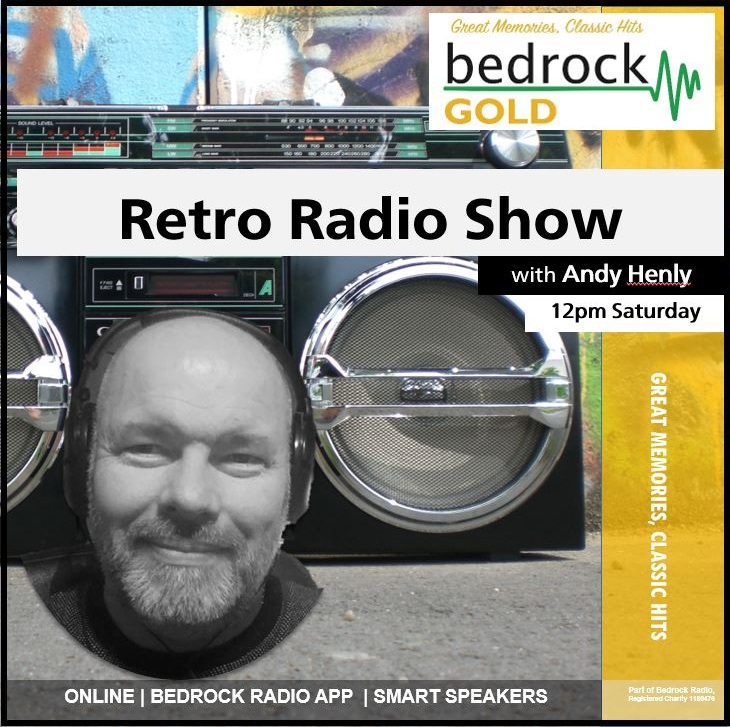

Great Memories & Classic Hits
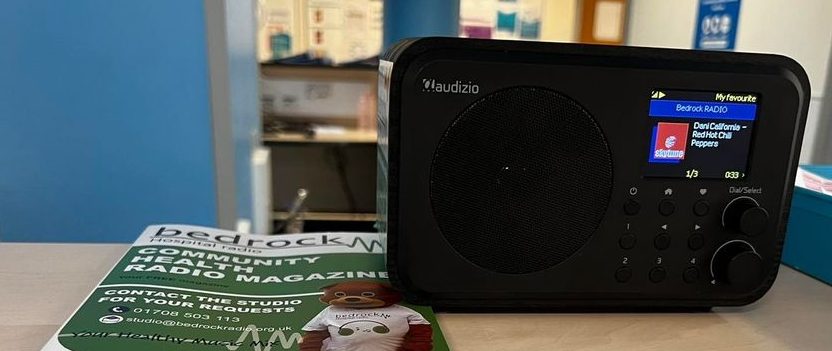
Ward Radio Appeal
Bedrock GOLD is featured on ward radio units at Queen's Hospital.
Our charity, Bedrock Radio, developed a solution to restore, free patient entertainment to the wards of Queen’s Hospital, Romford, without the need for patients to bring your own devices into hospital.
Our new 'Hospital Radio' system features new radios for the wards, providing free entertainment to patients and staff across Queen's Hospital, Romford. Aiding recovery, easing boredom and loneliness in patients.
Our ward radio's have been able to expand slightly on previous systems, and cover additional wards never served before.
We need your help to fund more radios and reach more patients.
Your Choices & Voices
Control the playlist on request shows -
Why not drop us a voice note on the Bedrock App and become part of the programme!
We put you in control of the playlist, so tell us what you want to hear!
Use the Bedrock Radio App to send us your requests, dedication and suggestions!
Get your voice on-air by sending us a short voice message! In app, press the speech bubble (top right) & select 'Record A Message'.
Send us your requests or even to say hello!
We look forward to featuring you on-air.